
Last Updated: January 2026
If you’ve worked with Kubernetes long enough, you know exactly the one I’m talking about.
Last Tuesday, I spent nearly two hours staring at my terminal, absolutely convinced that kubectl was broken.
Spoiler: it wasn’t.
The real problem was Kubernetes RBAC, and more specifically, my misunderstanding of it.
If this sounds familiar, let me save you some time.
The Day Everything Suddenly Stopped Working
I’d been deploying to our staging environment for weeks without a single issue. Same commands. Same workflow. Same cluster.
Then one morning, coffee in hand, I ran a simple deploy and got hit with:
Error from server (Forbidden): pods is forbiddenMy first thought was, “Did someone change my access?”
My second thought involved questioning my life choices.
What actually happened is something most of us run into sooner or later: RBAC was doing exactly what it’s supposed to do.
What Kubernetes RBAC Really Means

RBAC stands for Role-Based Access Control, but that name alone already makes it sound more complicated than it needs to be.
Here’s the simplest way I’ve found to explain it.
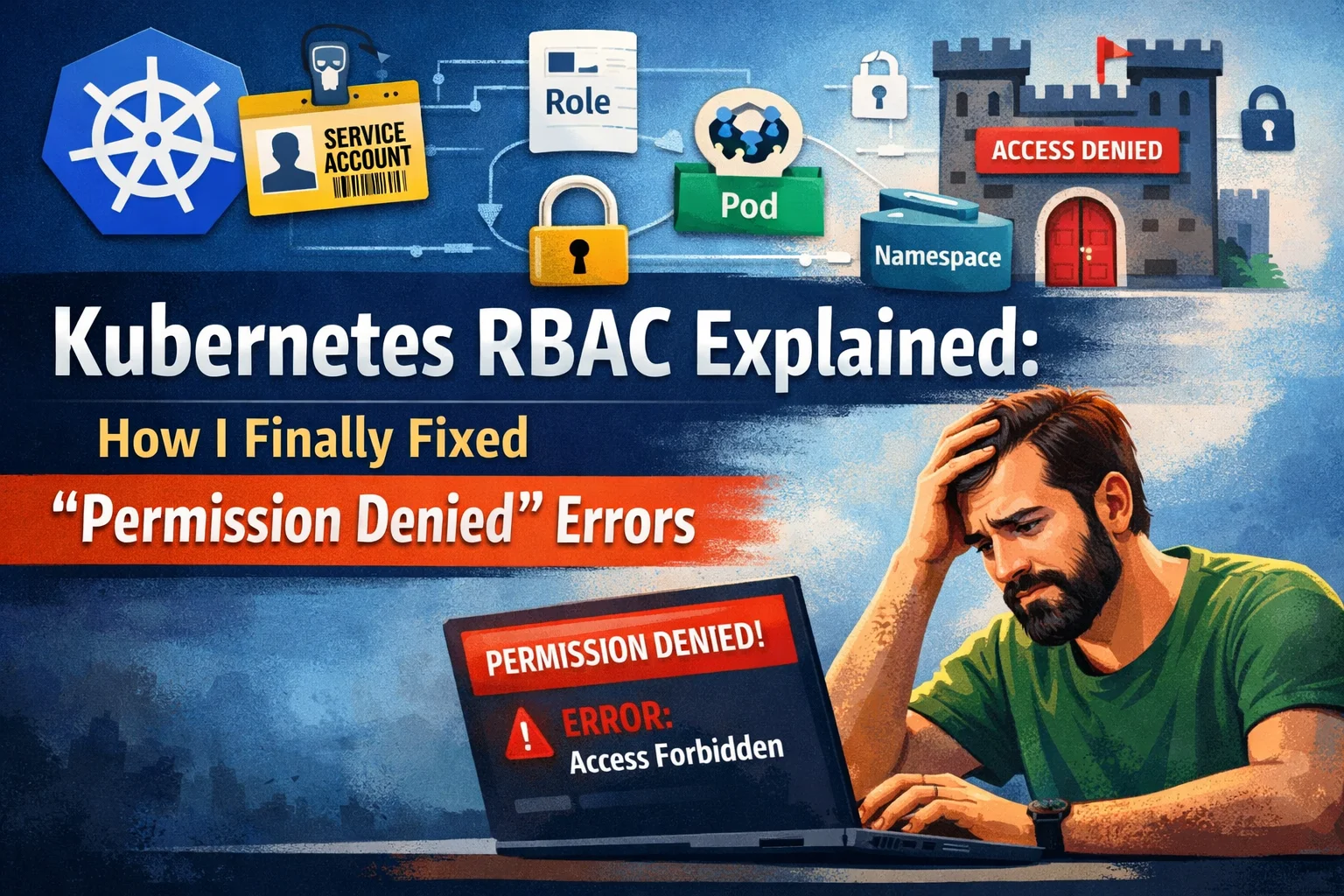
Think of Kubernetes as a large office building:
- You or a service account → a person with a badge
- Roles → what doors your badge can open
- Resources (pods, deployments, services) → rooms
- Namespaces → floors in the building
When Kubernetes says “permission denied”, it’s basically telling you:
“You’re trying to open a door your badge doesn’t allow.”
That’s it. That’s RBAC.
The 5 Kubernetes RBAC Mistakes I Made (So You Don’t Have To)
Mistake #1: Assuming “Default” Means Enough
I assumed the default service account would just work.
It doesn’t.
By design, the default service account has almost zero permissions. That’s good security, but it’s rarely explained clearly.
I learned this the hard way when our monitoring dashboard went blank in production. The pods were running fine — they just weren’t allowed to list other pods to collect metrics.
One missing RoleBinding.
Thirty minutes of panic.
Lesson learned.
Mistake #2: Getting Lost in Namespace Confusion
RBAC permissions are namespace-scoped by default.
I had admin access in dev and assumed the same applied to prod. It didn’t. Kubernetes was right. I was wrong.
Now I always check:
kubectl config view --minify | grep namespaceThis single command has saved me more time than I’d like to admit.
Mistake #3: Ignoring the Error Message
Kubernetes error messages look scary, but they’re actually very specific.
Example:
User "sarah" cannot create resource "deployments"in API group "apps" in namespace "staging"
That error tells you:
- Who is blocked
- What action is denied
- Where it’s happening
Everything you need to fix the issue is already there.
Mistake #4: Going Too Broad with Permissions
After getting burned a few times, I swung too far in the other direction:
“Just give me admin everywhere.”
Security teams hate that idea — and for good reason.
RBAC isn’t about restricting you. It’s about limiting blast radius. If credentials get compromised, minimal permissions can save your entire cluster.
Start small. Add permissions only when needed.
Mistake #5: Forgetting About Service Accounts
This one is subtle and incredibly common.
Your kubectl works.
Your app inside a pod doesn’t.
Why?
Because pods don’t run as you. They run as service accounts, and those accounts start with no permissions.
I once spent an entire afternoon debugging “broken” application logic — only to discover the service account couldn’t read a ConfigMap.
Five minutes later, with the correct Role and RoleBinding, everything worked.
How I Actually Troubleshoot Kubernetes RBAC Now

I stopped overthinking it. My real-world process looks like this:
- Don’t panic – RBAC is supposed to block things
- Read the error slowly
- Check if the Role already exists
- Check the RoleBinding
- Add only the permission that’s missing
- Test again
That’s it.
Kubernetes RBAC Commands I Use All the Time
These commands are absolute lifesavers:
# What can I do?kubectl auth can-i --list# Can I do a specific action?kubectl auth can-i create deployments# What can a service account do?kubectl auth can-i --list \--as=system:serviceaccount:default:my-app
No guessing. No assumptions. Just facts.
Is Kubernetes RBAC Complicated? Honestly, Yes.
Anyone who says Kubernetes RBAC is simple either hasn’t used it much — or forgot how confusing it was at the start.
Roles, ClusterRoles, bindings, API groups, verbs like watch that don’t mean what you think — it’s a lot.
What helped me most was keeping my own RBAC cheat sheet. Every time I solved an issue, I wrote it down. Now I rarely start from scratch.
When to Ask for Help
If you’ve been stuck on an RBAC issue for more than 30 minutes, ask someone.
Seriously.
Everyone struggles with RBAC at first. The people who seem like experts? They’ve just hit these problems more times than you have.
What Actually Matters with Kubernetes RBAC
If I had to boil it down:
- Write documentation for your RBAC setup
- Start restrictive, expand gradually
- Name Roles clearly
- Test in non-production
- Keep things as simple as possible
Permission Denied Isn’t the Enemy
That “permission denied” message isn’t Kubernetes being difficult. It’s Kubernetes protecting your cluster.
Today, when I see that error, I don’t panic. I just ask:
“What permission am I missing?”
And then I fix it.
You’ll get there too.
Your Turn
Have you ever lost hours to a Kubernetes RBAC issue?
Or found a trick that saved you time?
Drop a comment — I’d love to hear how others handle RBAC in the real world.
You can also check my blog feed for more resources on Kubernetes.